
This article assumes that you DO NOT want Apple's AI (Apple Intelligence) enabled on your phone. If you would link instructions on how to disable it reference this guide. (/ref)
Be sure to check if AI is enabled after you update your iPhone, iPad, or Mac, as some users are reporting that it is automatically enabled after updated the device operating system, even though it was previously set to disabled.
References
Apple’s Latest Updates Re-Enable Apple Intelligence on Some Devices
Some users are reporting that Apple’s latest software updates are quietly re-enabling Apple Intelligence features, even after they had explicitly…
 Tim Hardwick
Archive Link: https://archive.is/wip/QWUpX
Apple’s Latest Update Might Have Opted You Back Into Apple Intelligence
Apple turns on Apple Intelligence by default with iOS 18.3 and macOS 15.3, but you can disable the feature at any time. However, some users are seeing the feature turn back on after updating to the latest updates.
 Jake Peterson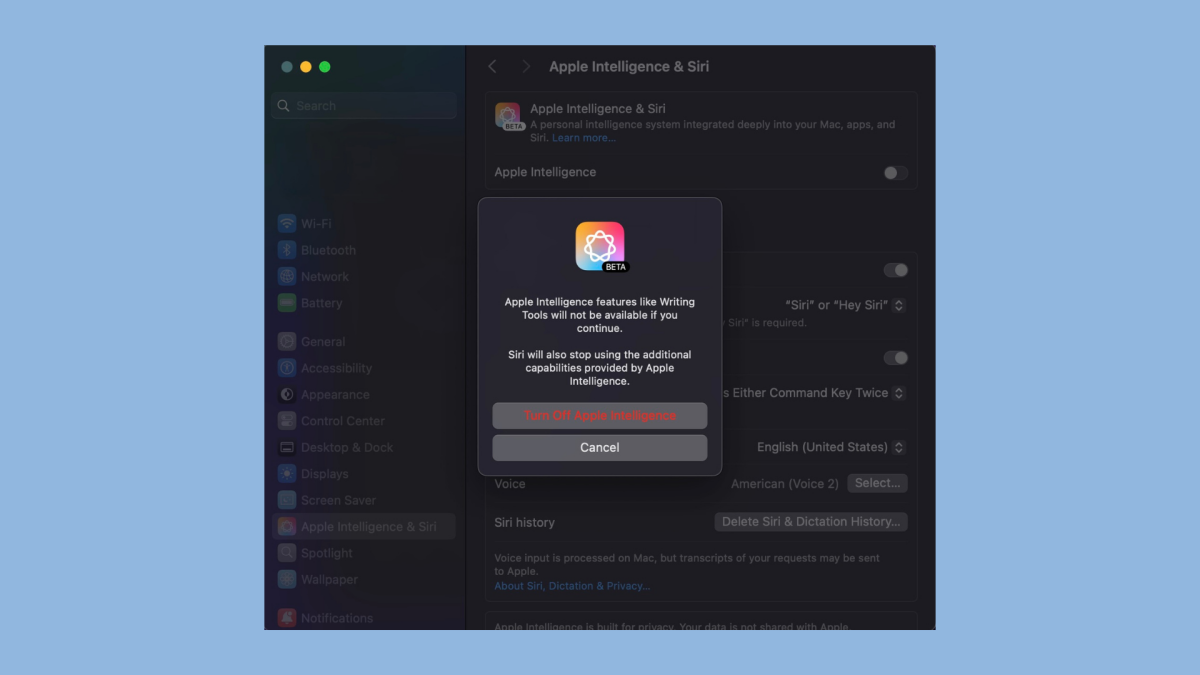
Archive Link: https://archive.is/wip/SEcXH
Apple’s latest OS updates re-enable Apple Intelligence on some devices
Some Mac, iPhone, and iPad users are reporting that Apple’s latest operating system updates re-enable Apple Intelligence features…
 MacDailyNews Webmaster
Archive Link: https://archive.is/wip/uuKq1


